Trials
IPTV Free Trial UK: What to Check Before Choosing
A structured way to ask about and spend a short IPTV trial, so you finish it knowing whether a plan will actually work in your UK home.
The short answer
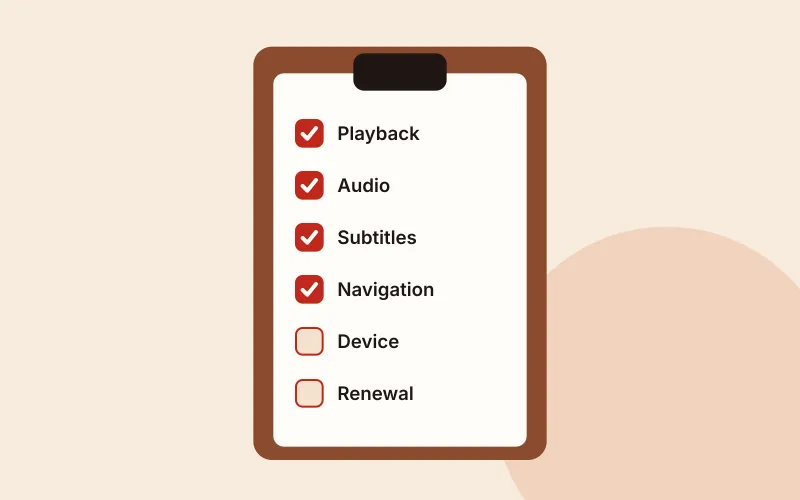
Before the trial starts, confirm its length, any payment requirement and what happens when it ends. During it, test playback, audio, subtitles, navigation, your device, the channels you will pay for and your home network, ideally at the times you normally watch.
Before the trial starts
- Ask whether a trial is available at the moment. Availability is not guaranteed.
- Get the exact duration and end time.
- Ask whether any payment or card details are needed.
- Ask what happens when it ends: does it simply stop, or does anything renew or convert?
- Install the confirmed player app from your official app store in advance, using our device guides.
During the trial
The first hour
- Start-up: open five different streams. Note roughly how long each takes to start.
- Stability: leave one stream playing for 15 minutes. Note any pauses or drops in quality.
- Audio: check lip-sync on a presenter or interview, and switch between two streams to compare volume.
- Subtitles: if you use them, turn them on and check that they appear and keep time.
- Navigation: browse menus and the guide with your normal remote. Is it fast enough to use every day?
Across the trial
- Intended channels: open every channel and catch-up you would actually pay for.
- Peak times: test during the evening or a big live event, when networks are busiest.
- Home network: compare Wi-Fi with Ethernet if you can. Our buffering guide explains how.
- Second screen: if you will watch on two devices at once, test that too, within whatever limits UK Stream Hub confirms.
- Renewal terms: before the end, confirm in writing what a paid plan would cost and how it renews.
Keep simple notes
A few lines per test make any follow-up much quicker:
Date/time:
Device + software version:
Connection: Wi-Fi / Ethernet
Channel or programme:
What happened:
Error message (exact words):
Decide
If everything that matters to you worked, compare the plan totals. If something did not, send your notes to UK Stream Hub and ask whether it can be fixed before you pay.
Related guides
All guides · Plans · Devices · Free trial
-
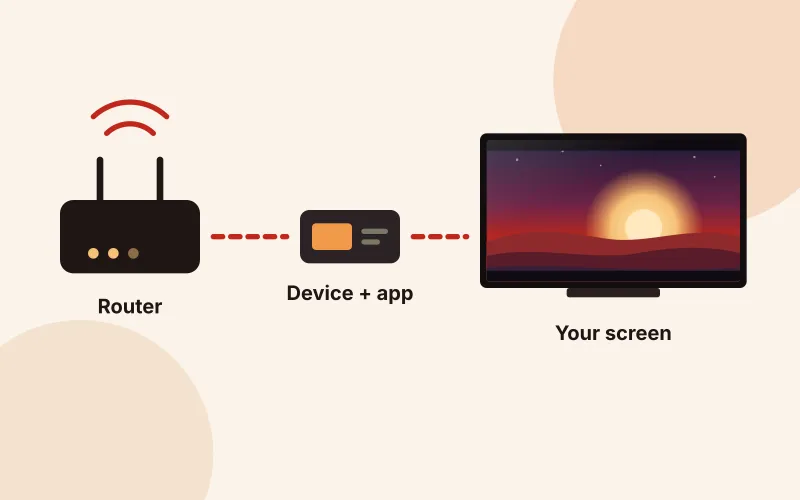
What Is IPTV? A Practical Guide for UK Viewers
Player apps, subscriptions, devices and connections explained in plain English. -
UK IPTV Prices: How to Compare Subscription Plans
Read totals and monthly equivalents correctly, and add the costs a price leaves out. -
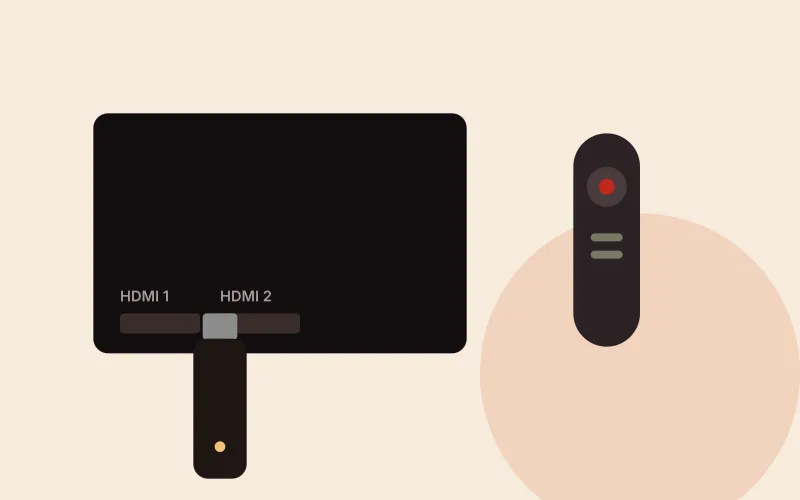
IPTV Setup on Amazon Fire TV Stick
Connect, update and troubleshoot a Fire TV Stick, using Amazon’s own tools.